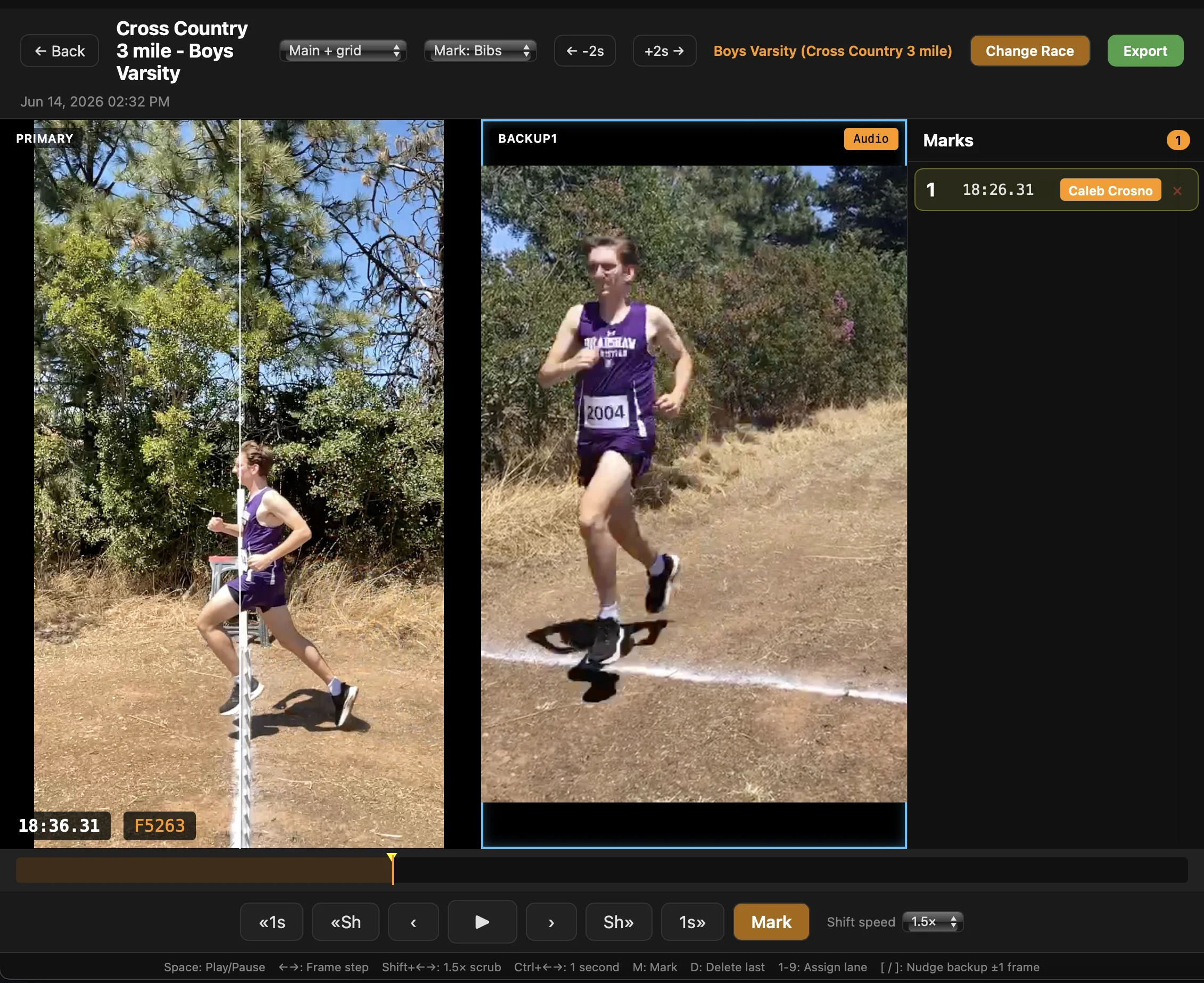
We just shipped a small change to the FAT iPad app that doesn’t matter much for a 100m heat — and matters a lot for longer track races, cross country, or a road race.
What’s new
The laptop reviewer can now review and mark a race while the iPad is still recording it. Frame-accurate. No “stop recording first.”
That’s the entire change. Everything else in this post is what that one capability unlocks.
Why it matters for longer races
In the 100m, the entire field finishes only seconds apart. Whether you start marking it 15 seconds later (the old way) or during (the new way) doesn’t matter much. But the longer a race gets, the more it matters. In the 1600m and up, runners can finish minutes apart. With the old workflow, the laptop person is sitting on their hands waiting for the back of the pack so they can stop the recording and start marking.
Now the laptop person starts marking the moment the first runner crosses. By the time the last runner finishes, the leaders are already marked and the spectator monitor is showing names and times. Multiply that over four long races in a meet and the time saved is real.
Two decisions to make
Any meet timing setup is really two decisions, and the new mid-race marking feature only changes one of them.
- How do you capture times? — manual button press in the VAT (built into the RaceApp web app) vs. iOS FAT App video review.
- How do you identify each runner? — QR labels collected in the finish chute, manual bib entry by a chute volunteer, or bibs read off the recorded video by the laptop marker.
The new piece is on the timing side. Everything on the identification side already works the way it always has.
| VAT (manual button press) | iOS FAT App (video review) | |
|---|---|---|
| QR labels in finish chute | 1. Standard XC | 2. Reduces human error points |
| Bibs, chute volunteer enters manually | 3. Simple. | 4. Great for track distance races. |
| Bibs, laptop reads off video | N/A | 5. No chute needed. |
Five valid combinations. The new capability is everything in the right column.
Pick the column based on whether you want to mark from a video review. Pick the row based on what works at your finish line.
- XC default — VAT + QR labels in chute. One iPad, two helpers, twenty minutes of prep. Works great. We’ve been doing this for several years now.
- QR Codes + FAT App — This is an interesting option because it reduces as many human error points as possible. You have video for time marking, and you have QR scanning for the bib entry. This reduces fat-finger opportunities on both sides — the manual button presses, and the manual data entry.
- VAT (or hand) Timer + Manual Bib Entry — The simplest option. Have one volunteer manually press the button for each finisher. Have another helper use the “Finish Line” entry option in the web app, manually typing in each finisher. You can use tyvek wristbands, pre-printed race bibs, or print bibs at home directly from RaceApp.
- FAT App + Manual Bib Entry — This is our go-to for track distance races, but could also work well for XC races that are not too big (maybe ~50-60 max). Mark with the FAT App, and have helpers keep runners in the finish chute (or along a fence line) long enough for another helper to type in their bib numbers — bib variations are just like option 3.
- FAT App + Full Race Bibs — The person working the laptop does double duty, both marking each finish time and typing in the bib number they see in the video. For this to work you need full size race bibs and at least one extra iPad/iPhone in backup mode that is aimed to read the bibs as people cross the line. That’s the full multi-device split-view rig — primary filming, backups catching the bibs, one laptop marking it all — we break the whole setup down in how I timed a 500-kid meet with two iPads and a laptop.
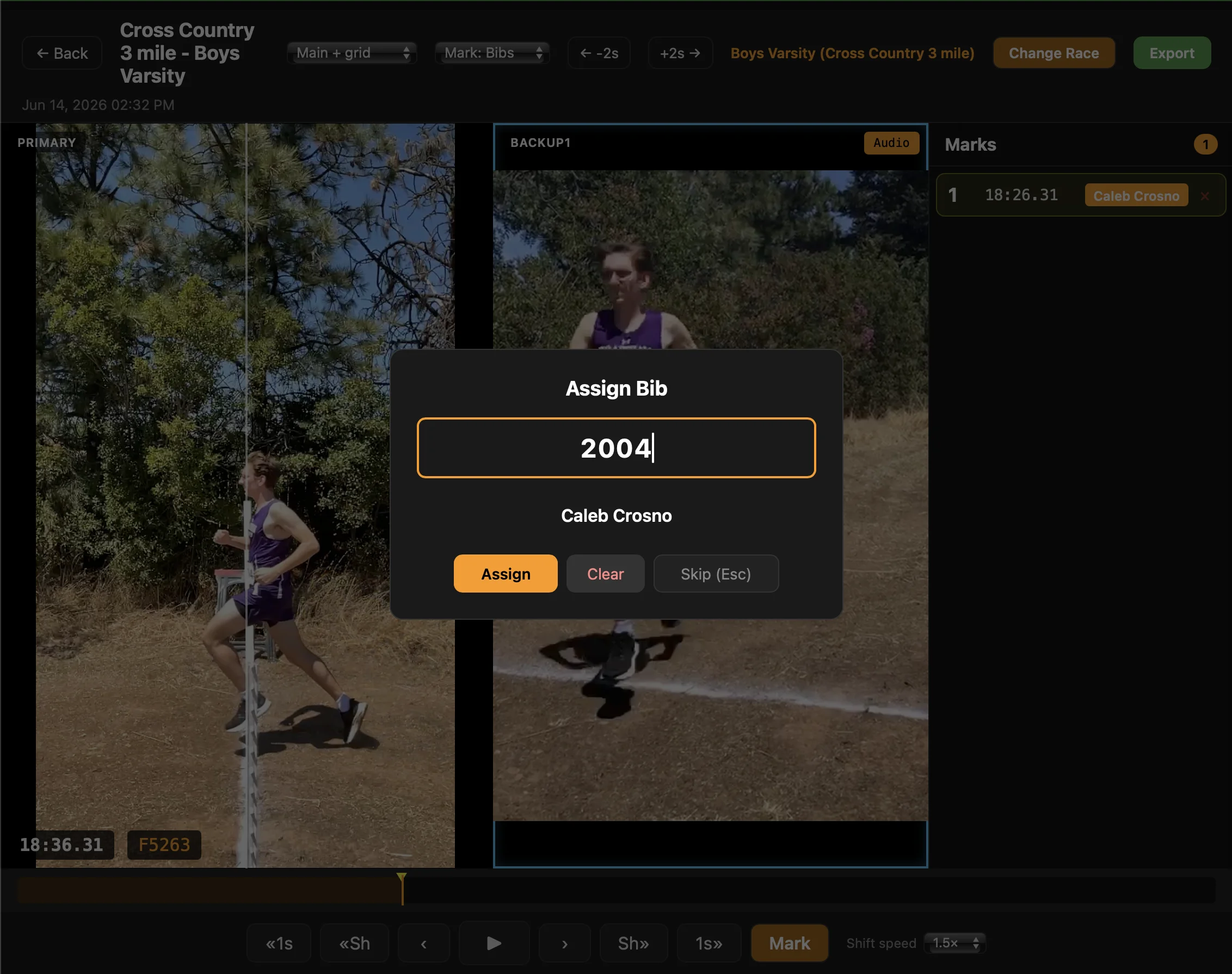
Option 5 in action: type the bib straight off the backup video and the name fills in from the roster. No chute, no clipboard.
The spectator side
There’s a quieter feature worth mentioning. The spectator timer view — the one you cast to a monitor facing the crowd — now displays times and athlete names as the laptop person marks them, before anything hits RaceApp web.
Big daylight-visible displays are big-money, but even a 27 inch mid-range monitor in the shade of your timing tent can stay very visible to spectators close to the finish line, showing finish times and names live as runners come in. The kids’ times are on the screen before they’ve walked back to the team tent.
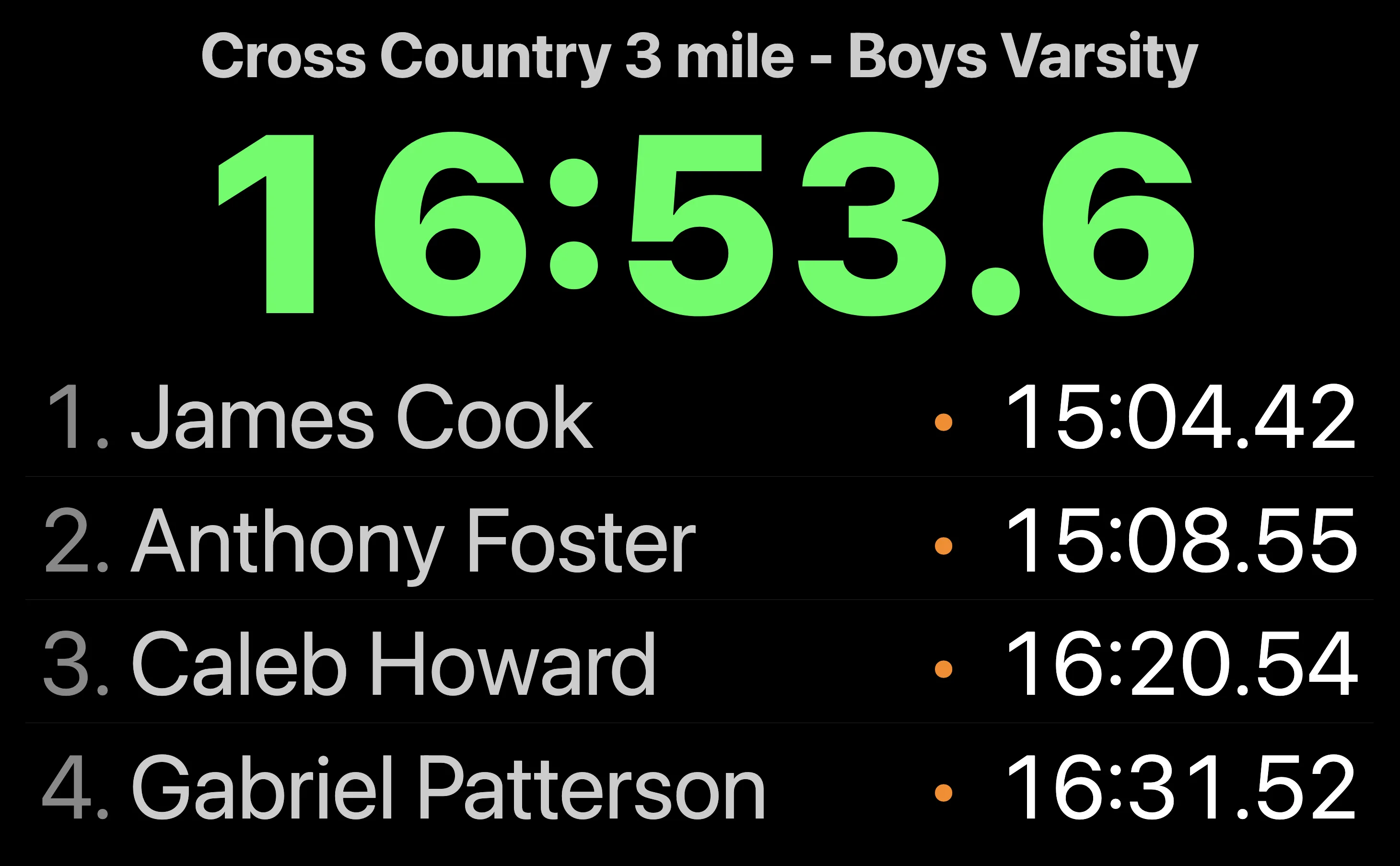
The spectator view, live. Names and times land on the monitor as you mark them — before anything hits RaceApp web.
Two ways to time. Three ways to identify the runner. Mix and match for the meet you’re running.
| Try RaceApp free | See pricing | Read the basics |