Stop Retyping Your Meet Entries
Assign events at practice from your phone.
Track who's coming.
Print a clean sheet for race day.

Sound Familiar?
- Print a roster spreadsheet before practice
- Scribble in event assignments as you talk to each kid
- Retype everything into Athletic.net before the deadline
- Repeat 10+ times a season
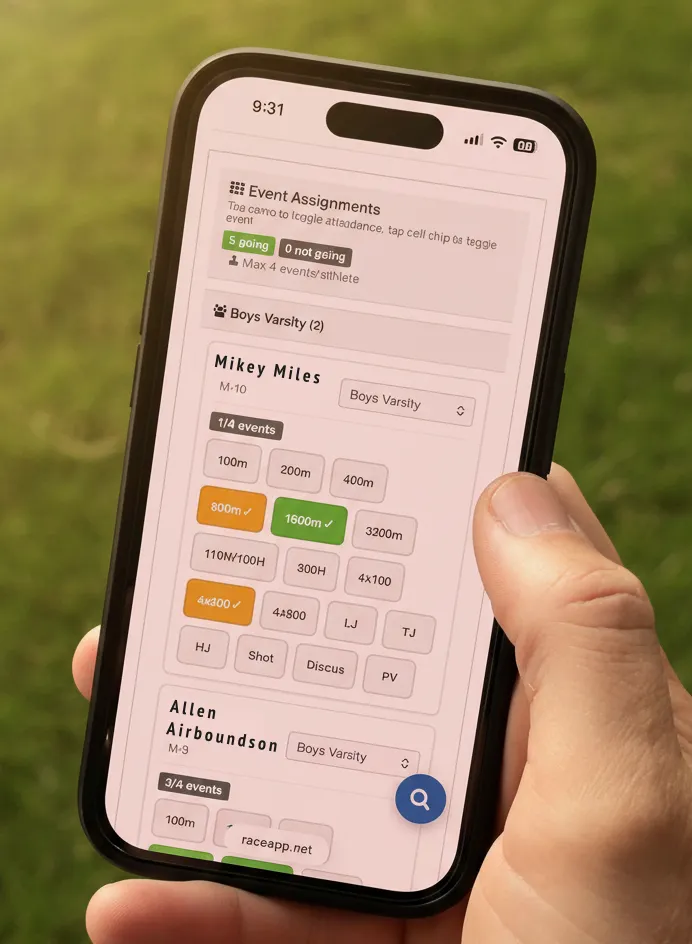
Set Up a Meet in 2 Minutes
Create from your team page
Pick "Plan Away Meet" and you're off. Name the meet, set the date, and optionally enable family event requests.
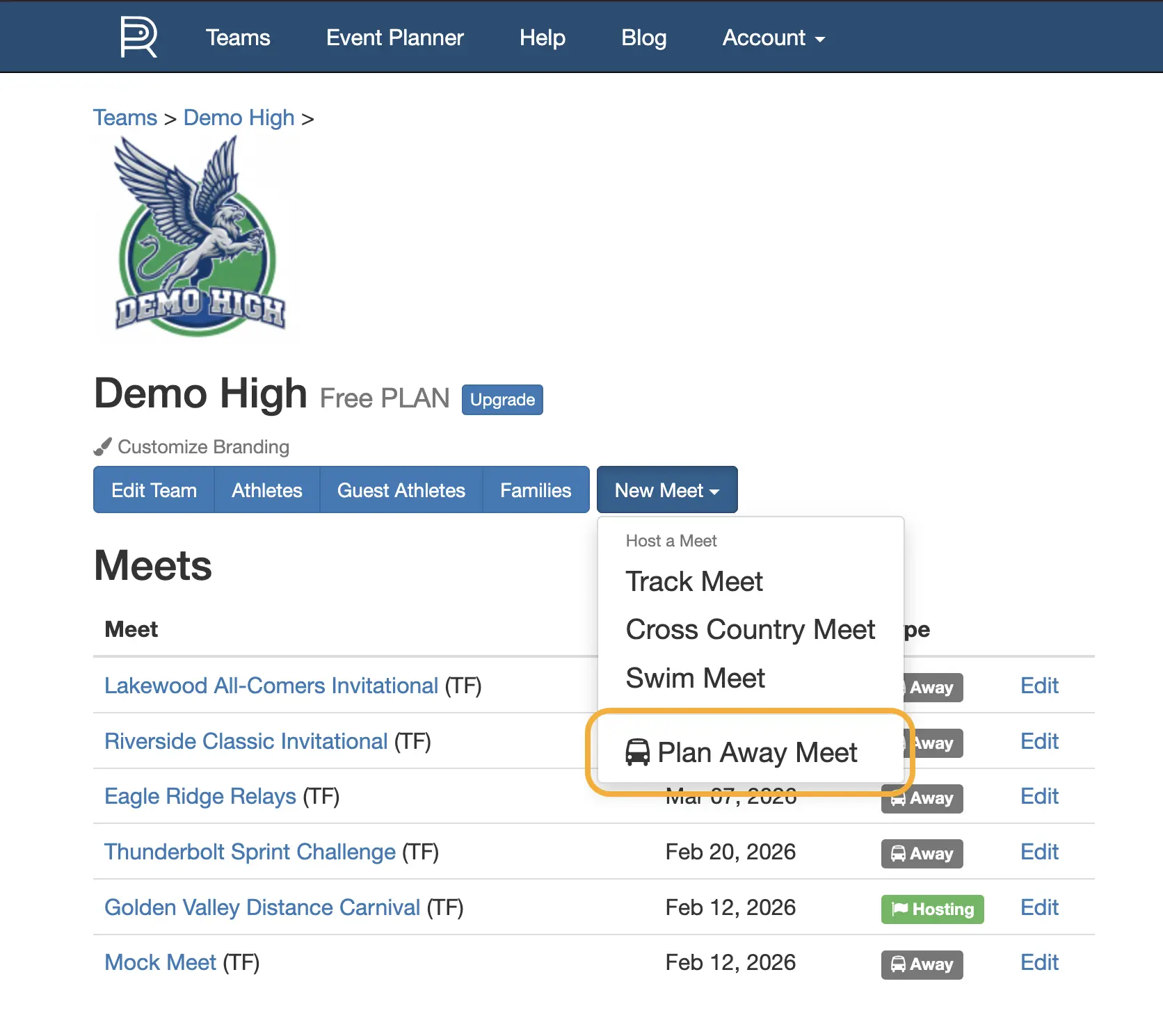
Configure events and limits
Set divisions, max entries per event, and max events per athlete. Pick from standard events or add custom ones.
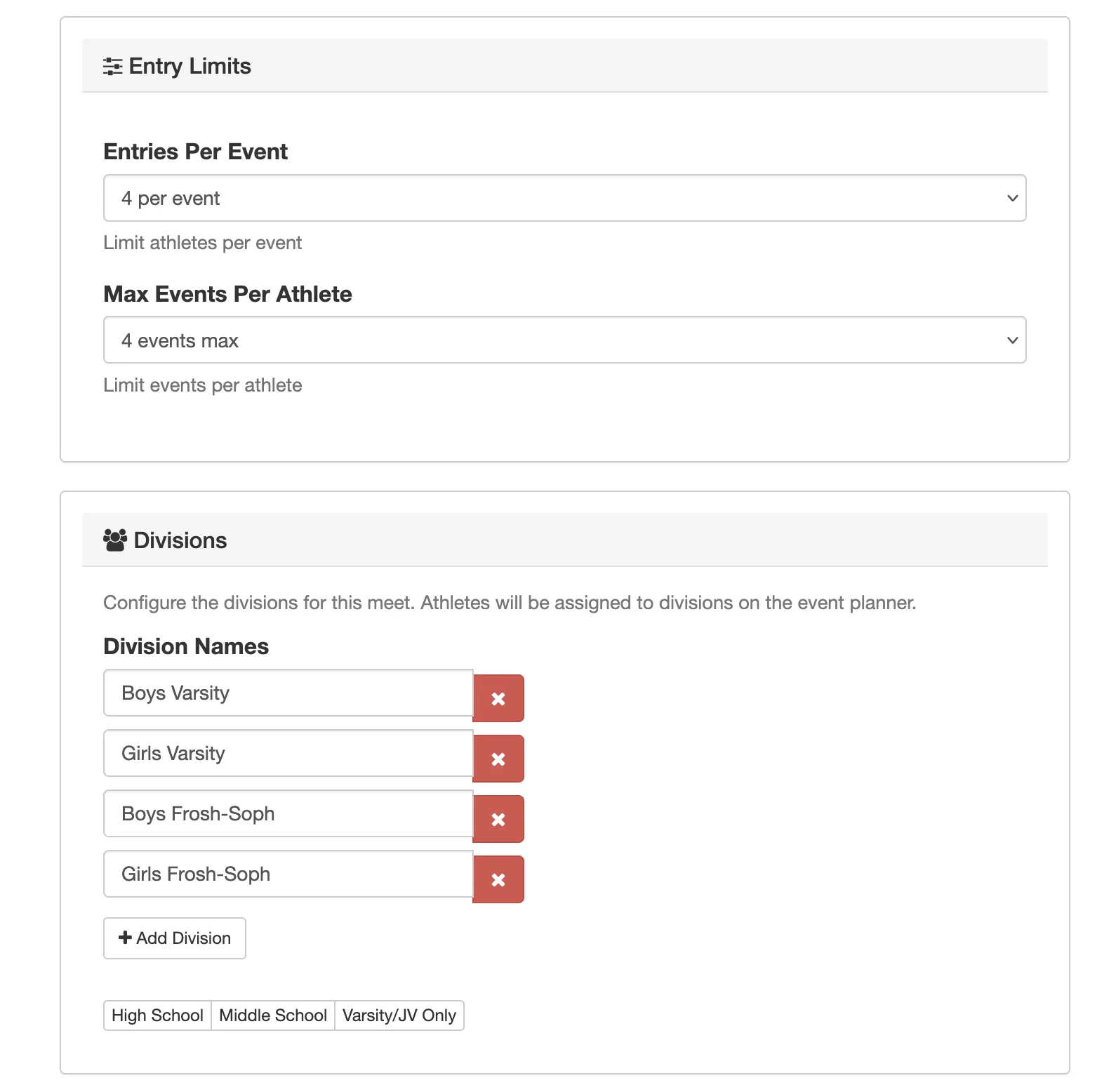
Clone a previous meet
Copy events, divisions, and settings from any past meet as a starting point. Most setup is one click.
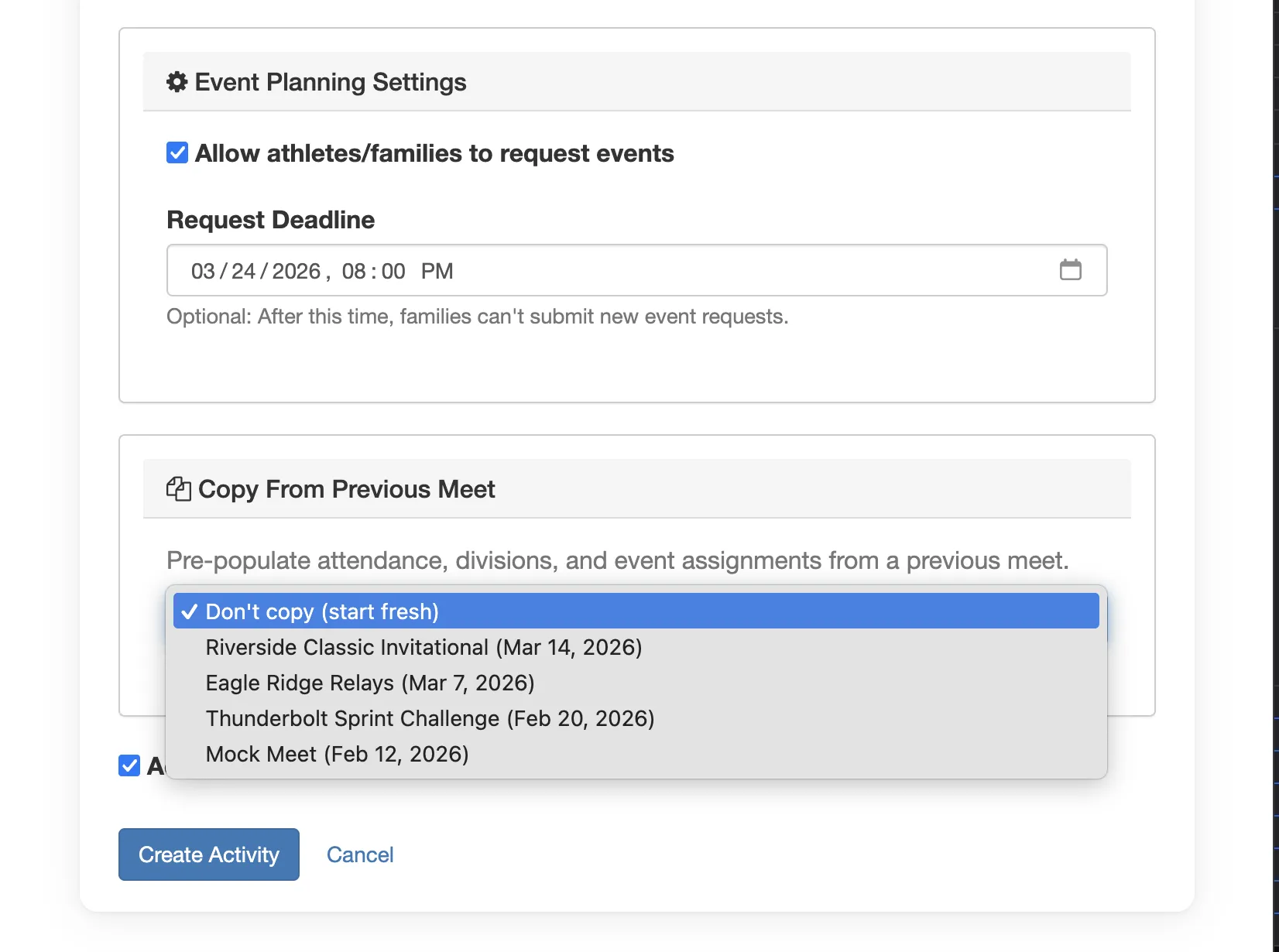
Assign Events at Practice
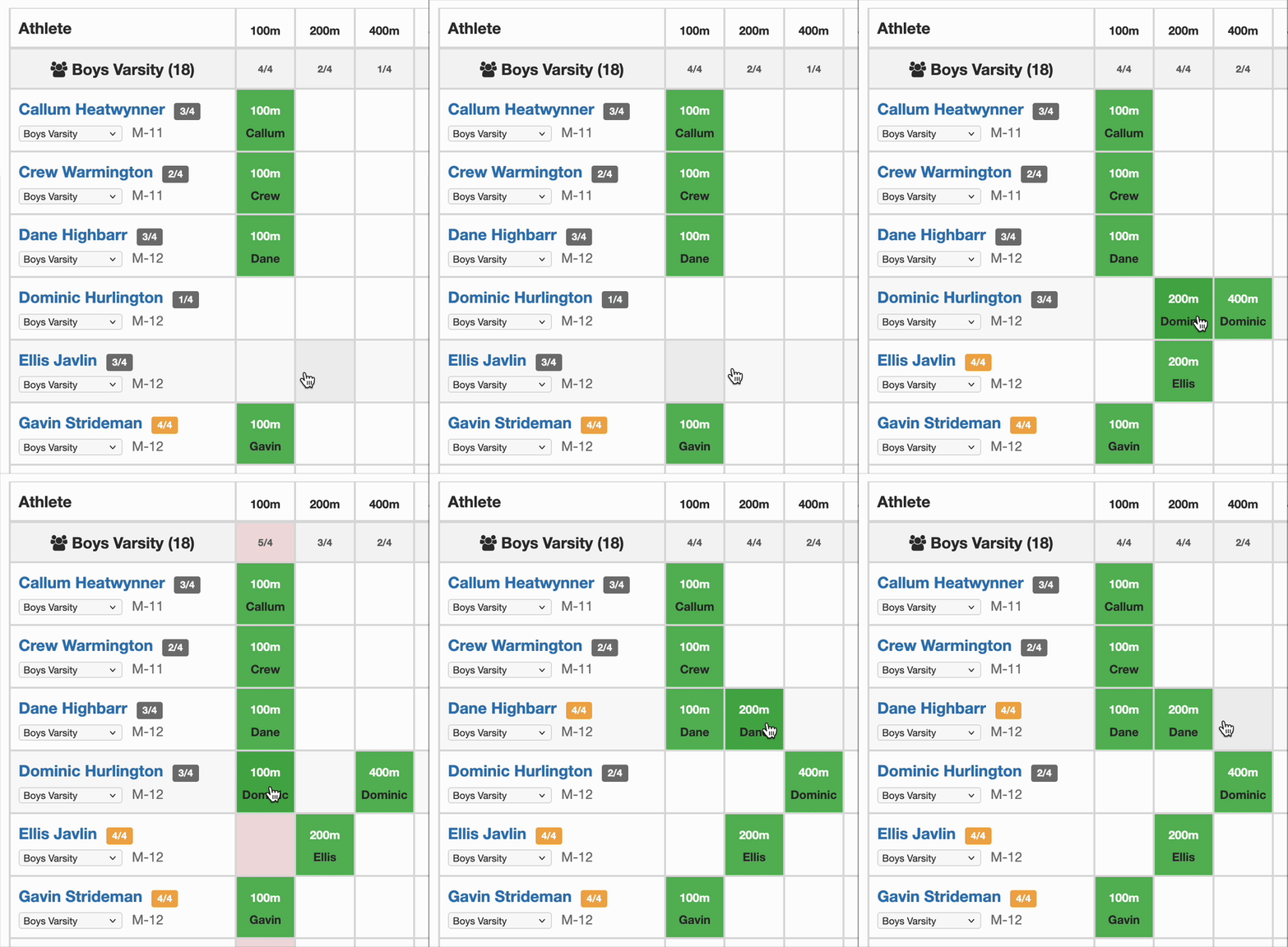
Full grid — athletes down, events across
See your whole roster and every event at once. Tap a cell to assign, tap again to remove. Division counts update instantly.
Over-limit events highlighted automatically
Columns turn pink the moment a division exceeds its entry limit. No mental math — you'll see it immediately.
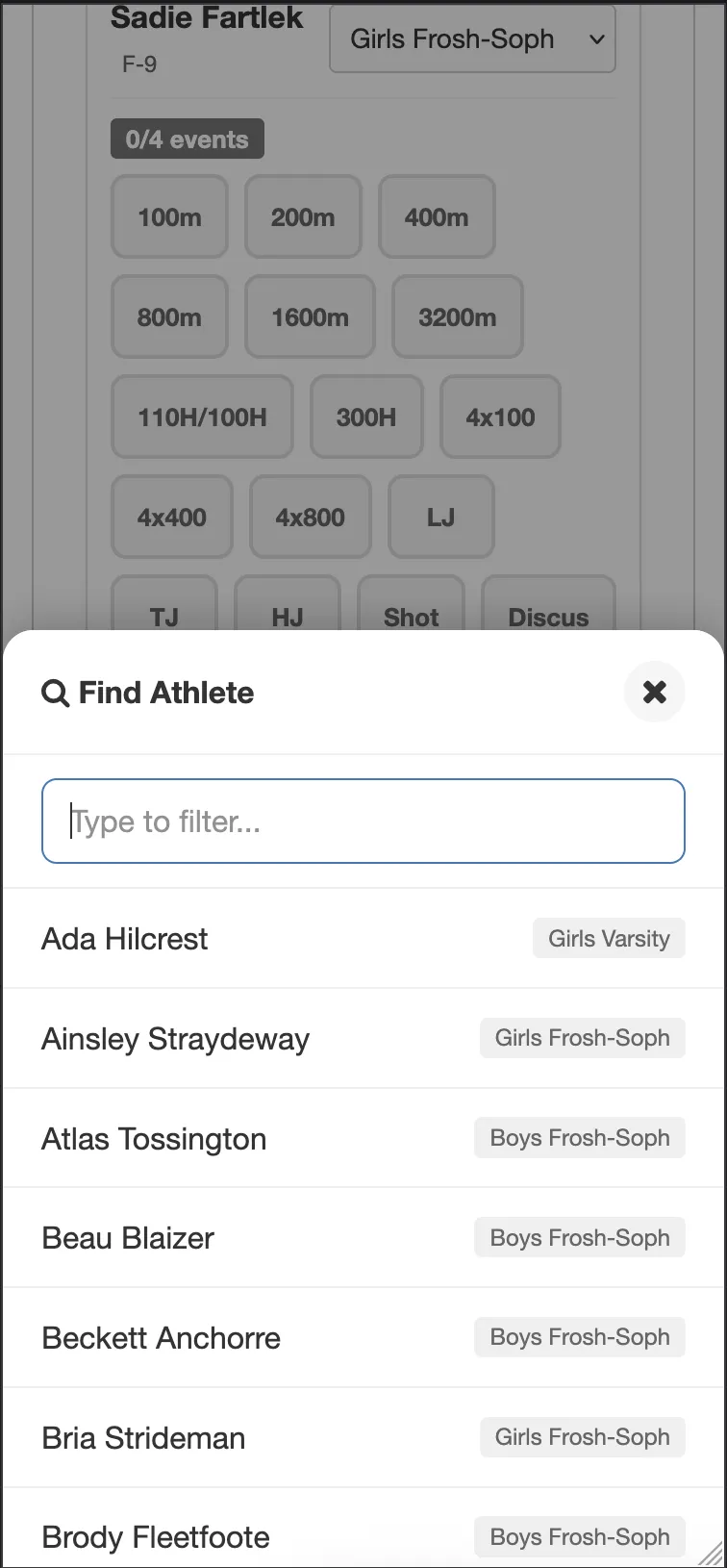
Jump to any athlete on mobile
Search by name to scroll right to them. Works great on phones at practice — no need for a laptop.
Track Who's Coming
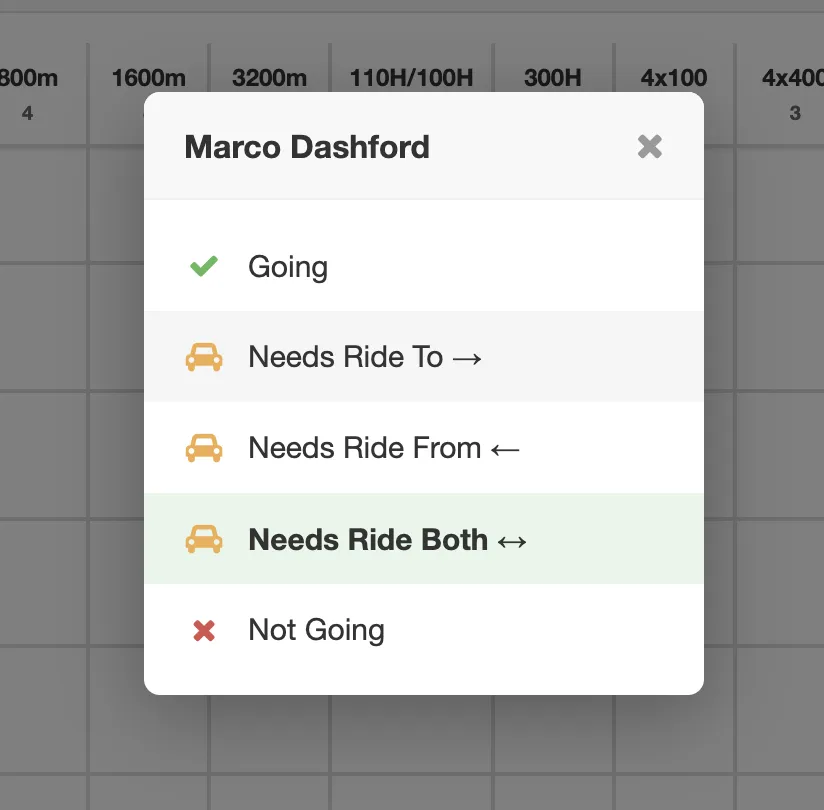
Tap a name to set their status
- Going
- Needs Ride
- Not Going
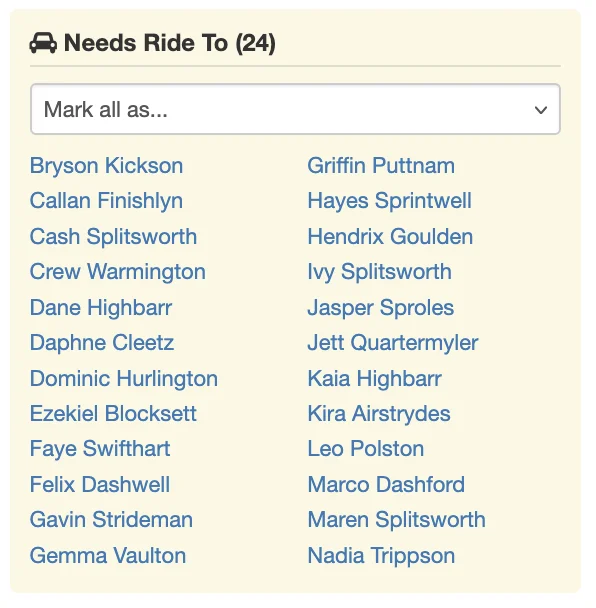
See the full picture at a glance
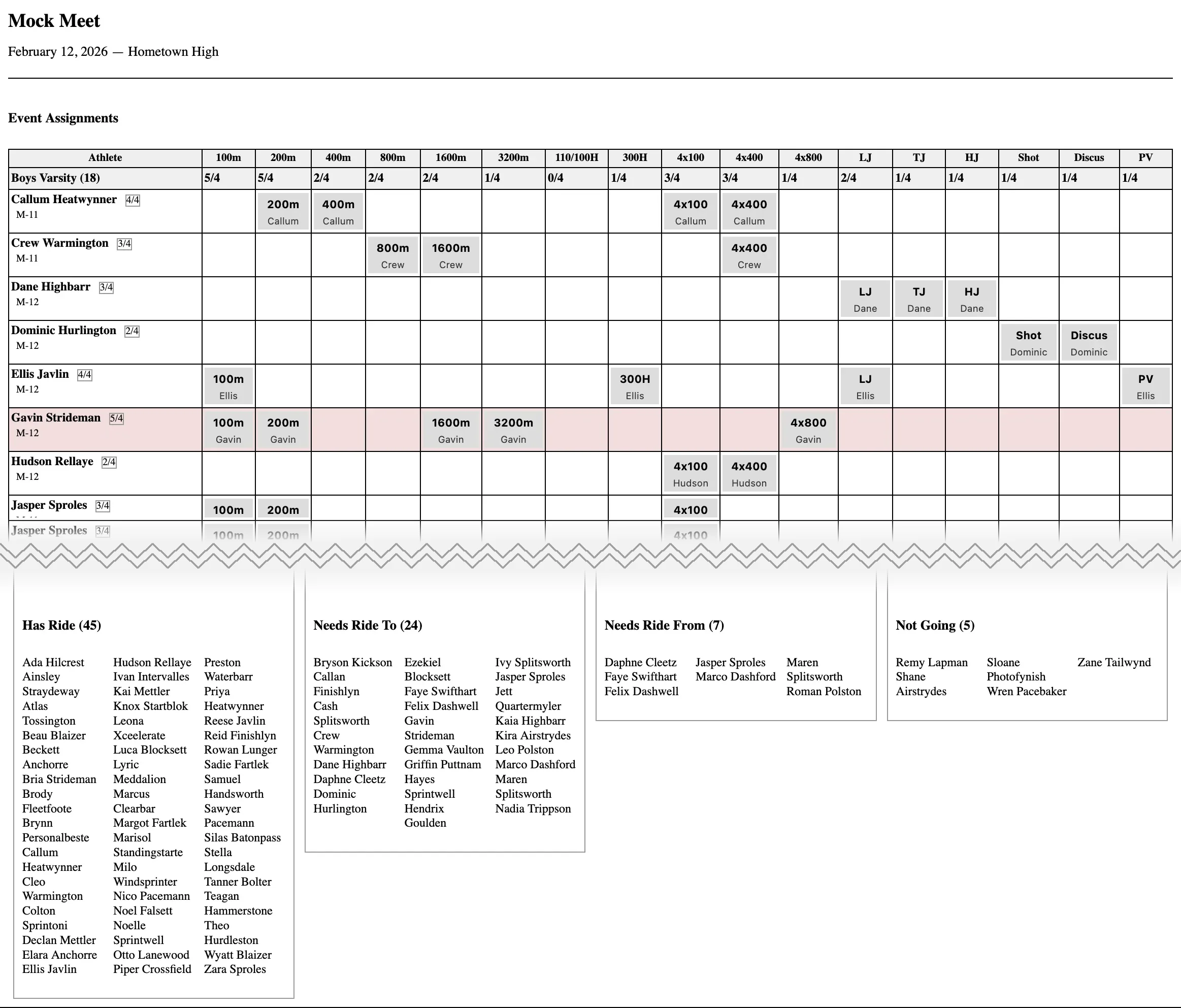
Summary shows who has a ride, who needs one, and who hasn't responded. Print it for race day logistics.
Let Families Help
Optional — the event planner works great without it. Especially useful for middle school programs.
Share a link or code
Families sign in with Apple or Google — no account to create, no app to download, completely free.
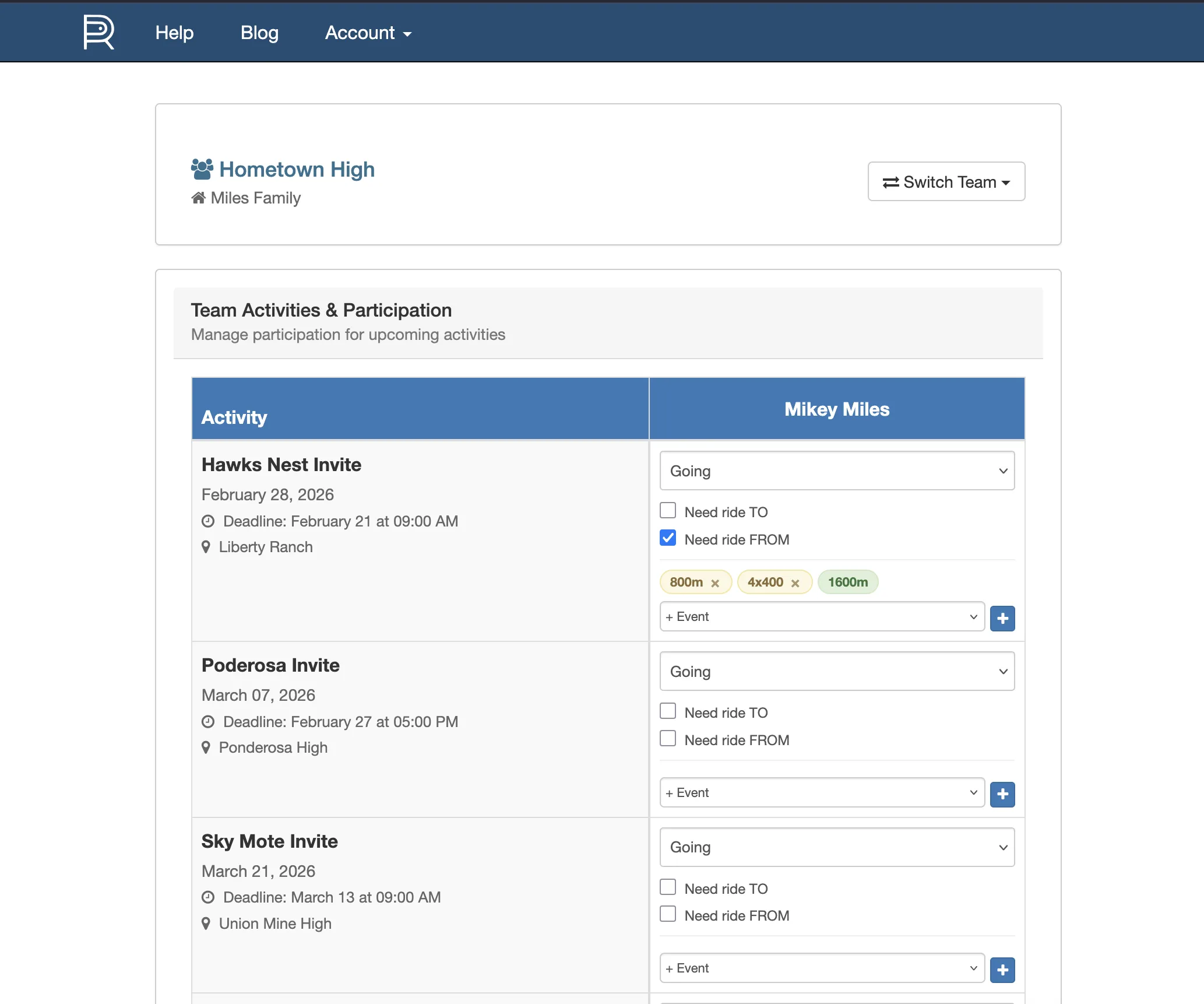
Families set availability and request events
They can mark the whole season at once — going, not going, needs ride. Event requests show up as pending for you to approve or ignore. You always make the final call.
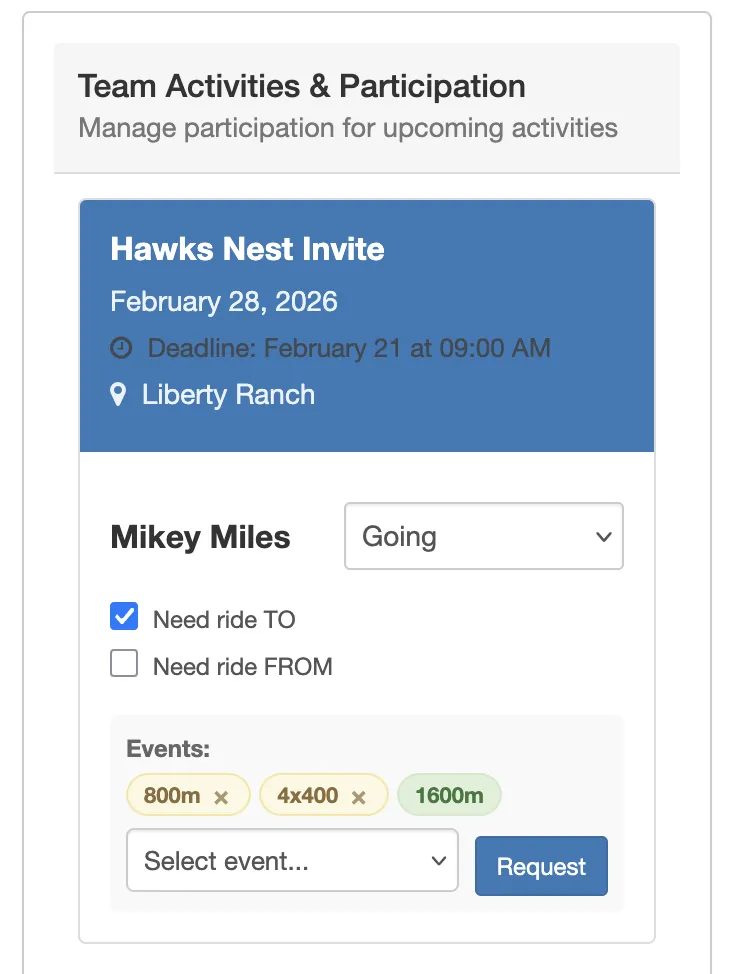
Works on phones too
Parents can check the schedule and set availability from anywhere. No laptop required.
Print It and Go
Clean print view for race day
- Tape it up at team camp
- Hand copies to assistant coaches
- No more deciphering your own handwriting
No Limits. No Catch.
Unlimited rosters. Unlimited meets planned.
Family participation included.
Hosting meets with timing and scoring requires a paid plan.
Planning your season doesn't.
Create Your First MeetWant the full story?
I Built an Event Planner Because I Was Tired of Paper Grids and Retyping Entries →