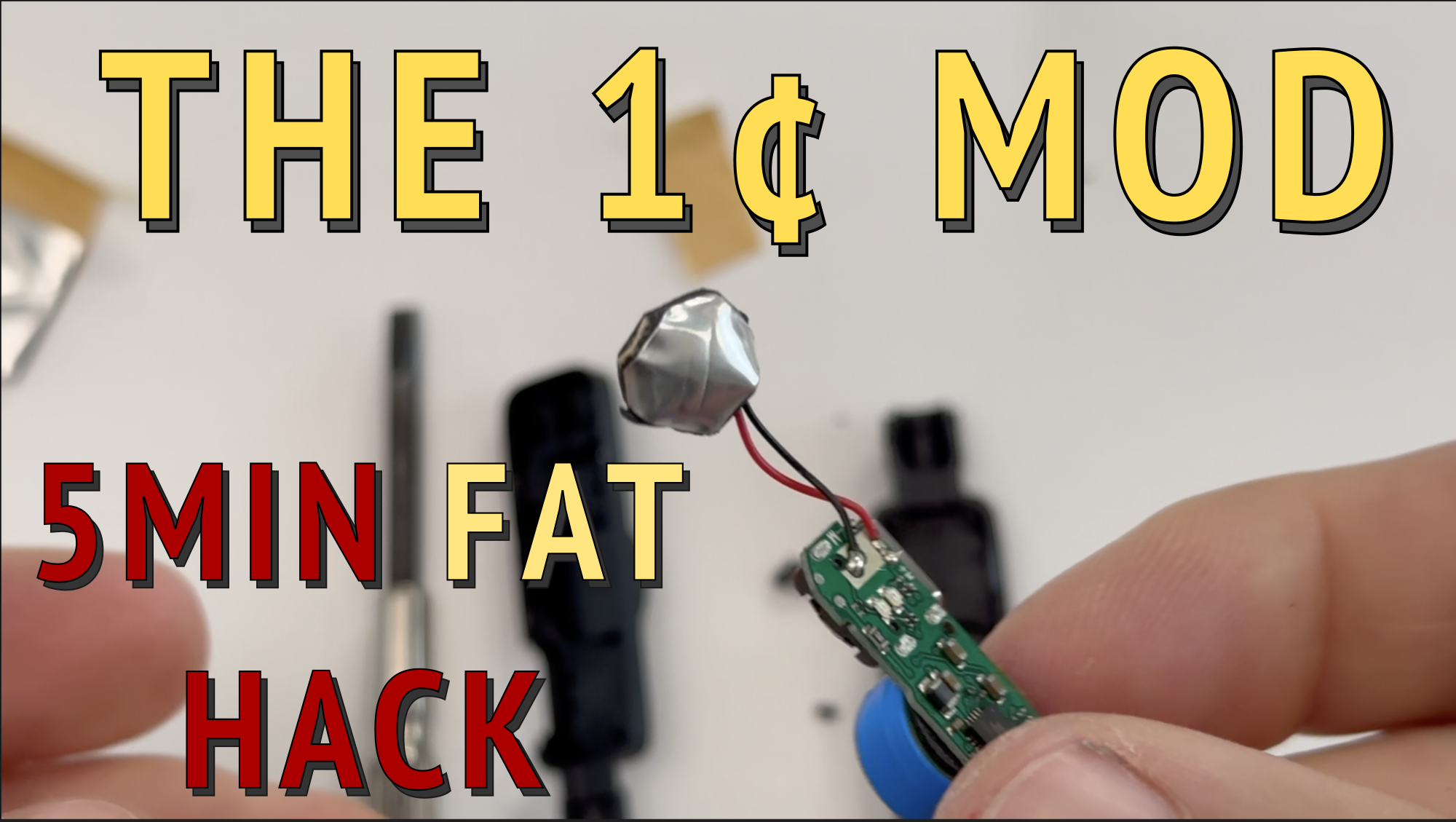
One of the biggest challenges with sound-activated timing is “noise.” Budget wireless microphones are designed to pick up human voices, which means they are incredibly sensitive. At a track or swim meet, this leads to false triggers from wind, cheering, or a starter’s whistle.
By “sandwiching” the microphone in high-density sound-deadening material, you can desensitize it so it only triggers for the extreme decibel levels of a starting gun. Watch the Tutorial
What You’ll Need
- Wireless Lapel Microphone: Mini Mic Pro (or similar)
- Sound Deadening Material: Professional Grade: Butyl Rubber Sheets
- Low-Cost Alternatives: Sticky Tak or Silicone Ear Plugs
-
Optional: Heat-shrink tubing or electrical tape
- Tools: Small flat-head screwdriver and scissors.
Step-by-Step Instructions
1. Disassemble the Housing
Use a small screwdriver to gently pry apart the two halves of the microphone casing. Carefully remove the electronics board and the tiny microphone capsule from the housing.
2. Prepare the Dampening “Sandwich”
Cut two small squares of your sound-deadening material. They should be slightly larger than the microphone capsule.
3. Seal the Mic
Place the microphone between the two squares. Press the edges together firmly to create a tight, airtight seal all the way around the capsule. This forces the sound to vibrate through the mass of the material rather than reaching the mic through the air.
4. Trim and Clear
- Trim the Material: Use scissors to trim the excess dampening material. Be careful not to cut the thin microphone wires.
- Trim the Case: Use your scissors to trim about 1–2 mm off the top edges of both sides of the plastic housing. This allows the mic wires to exit the case safely.
5. Reassemble
Place the electronics board back into the housing with the muffled microphone hanging out of the newly trimmed top opening. Snap the two halves of the housing back together.
6. Finishing Touches (Optional)
- Weatherproofing: Cover the muffled mic with heat-shrink tubing or electrical tape.
- The “Stock” Look: Slide the original foam cover back over the top so it still looks like a normal microphone.
Software Integration
This modification is designed to work perfectly with the RaceApp FAT Timer. You can now place your microphone within 10 feet of the starting gun without worrying about the crowd or wind causing a false start.
Download the App: RaceApp FAT Timer on the App Store